
AI YouTube Banner Maker
Create clear, on-brand YouTube channel art with one prompt using a practical youtube banner generator ai workflow.
With Lanta AI, you can move from first draft to final banner faster. Keep text readable, align style with your niche, and publish with fewer revisions.
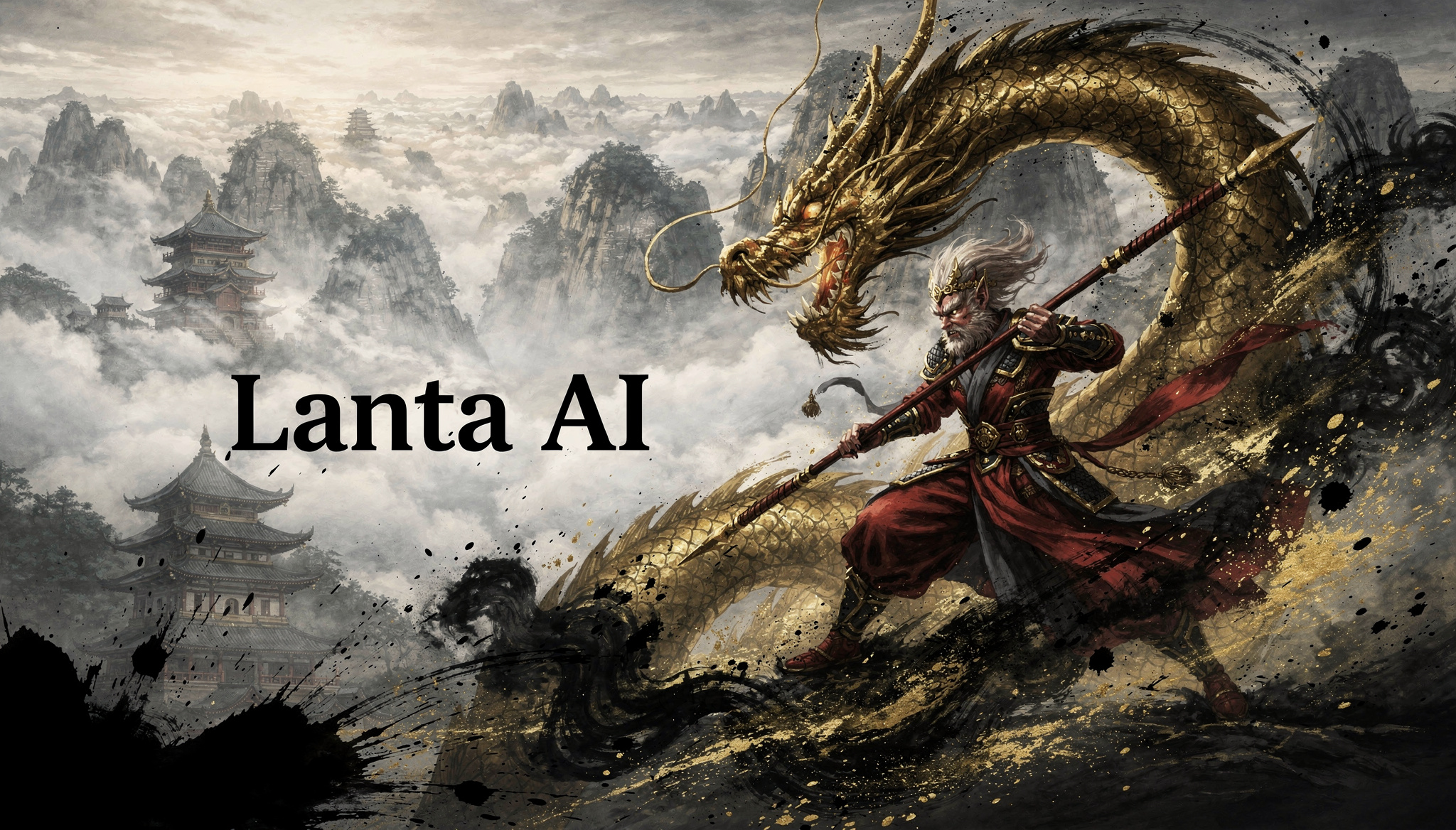
AI YouTube Banner Maker
Create AI Banners in 3 Steps
Follow this simple workflow to create youtube banner with ai, keep your layout safe on mobile and desktop, and publish faster.
Set Size and Format
Start with YouTube banner standards. Keep a 16:9 ratio and plan your key text inside the safe area.
Write a Clear Prompt
Add your channel name, niche style, and key visual direction. Short and specific prompts produce cleaner results.
Generate and Finalize
Generate multiple versions, compare readability, then export the strongest design for upload.
YouTube Banner Prompt Inspiration
Explore practical prompt ideas for different creator niches and start your creation.
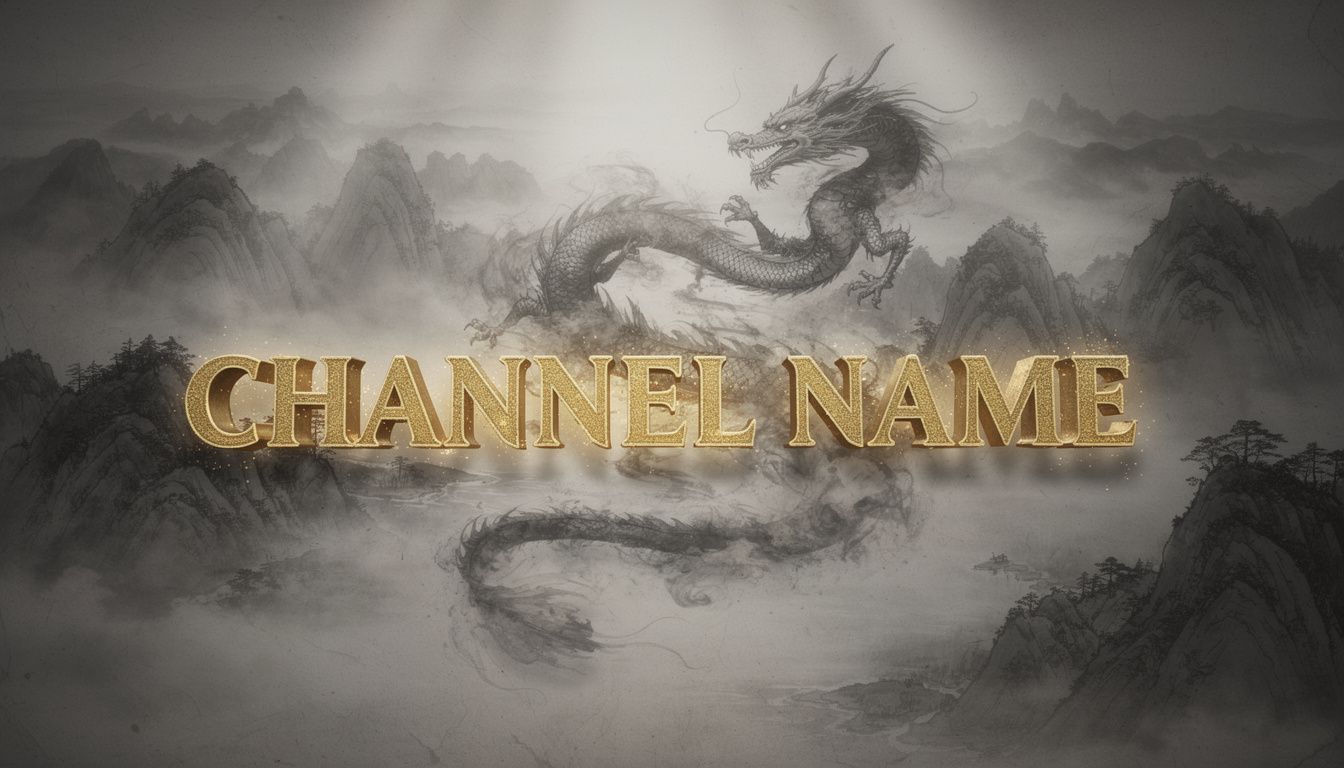
Folklore & Wuxia
Prominent [EXTRA LARGE BOLD GOLDEN CALLIGRAPHY CHANNEL NAME] in the center. Background is an epic ink-wash scroll with a smoke dragon winding through mountains. 8K ultra-HD, cinematic dynamic lighting.
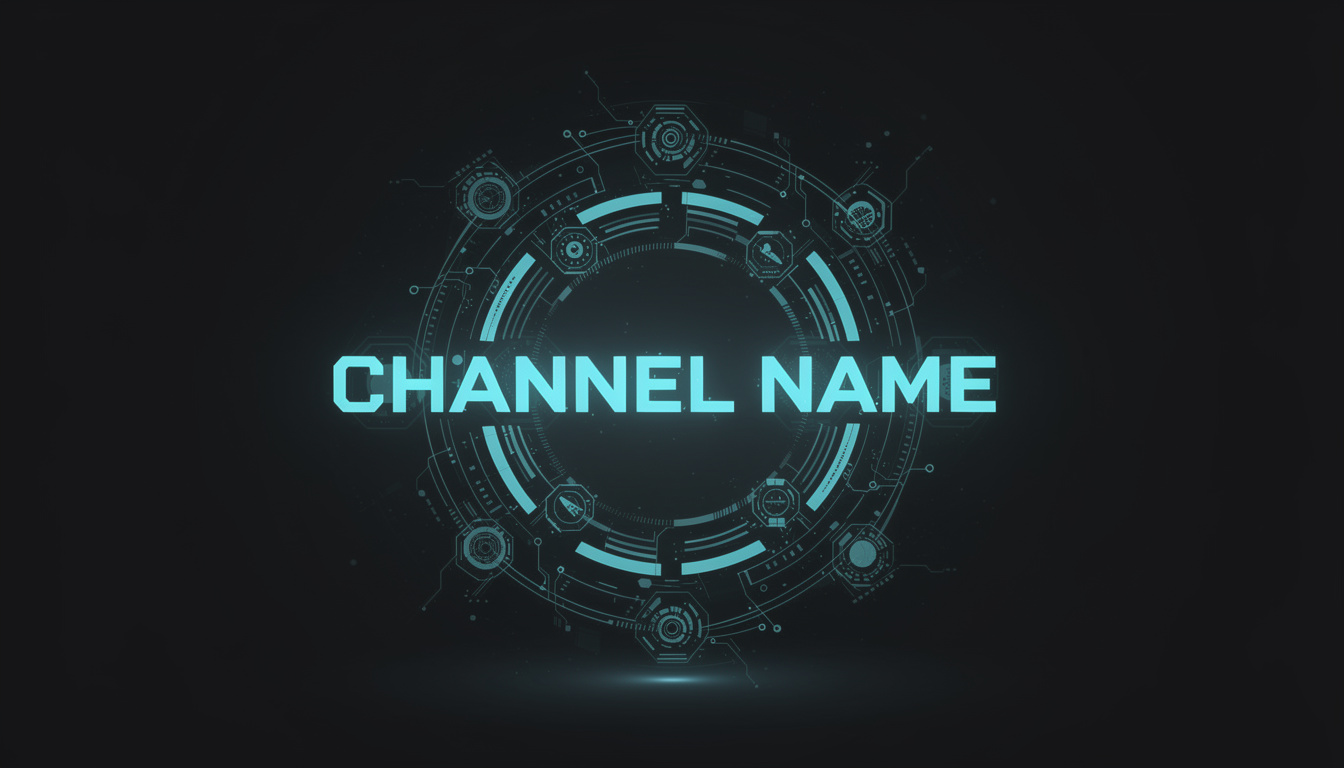
AI & Tech Pros
Boldly feature [GLOWING CYAN SCI-FI FONT CHANNEL NAME] at the center, surrounded by high-precision holographic tech nodes. Soft volumetric lighting. Minimalist geek aesthetic.
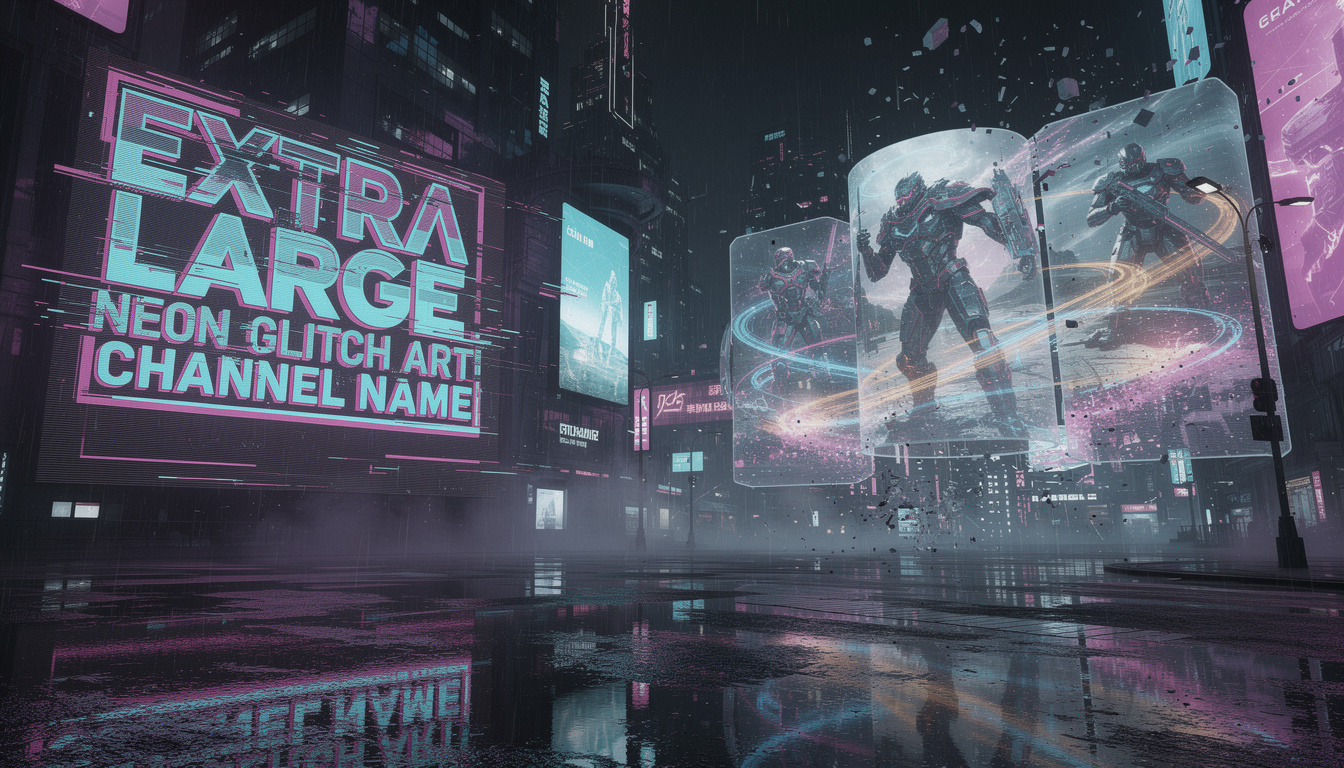
Gaming & Esports
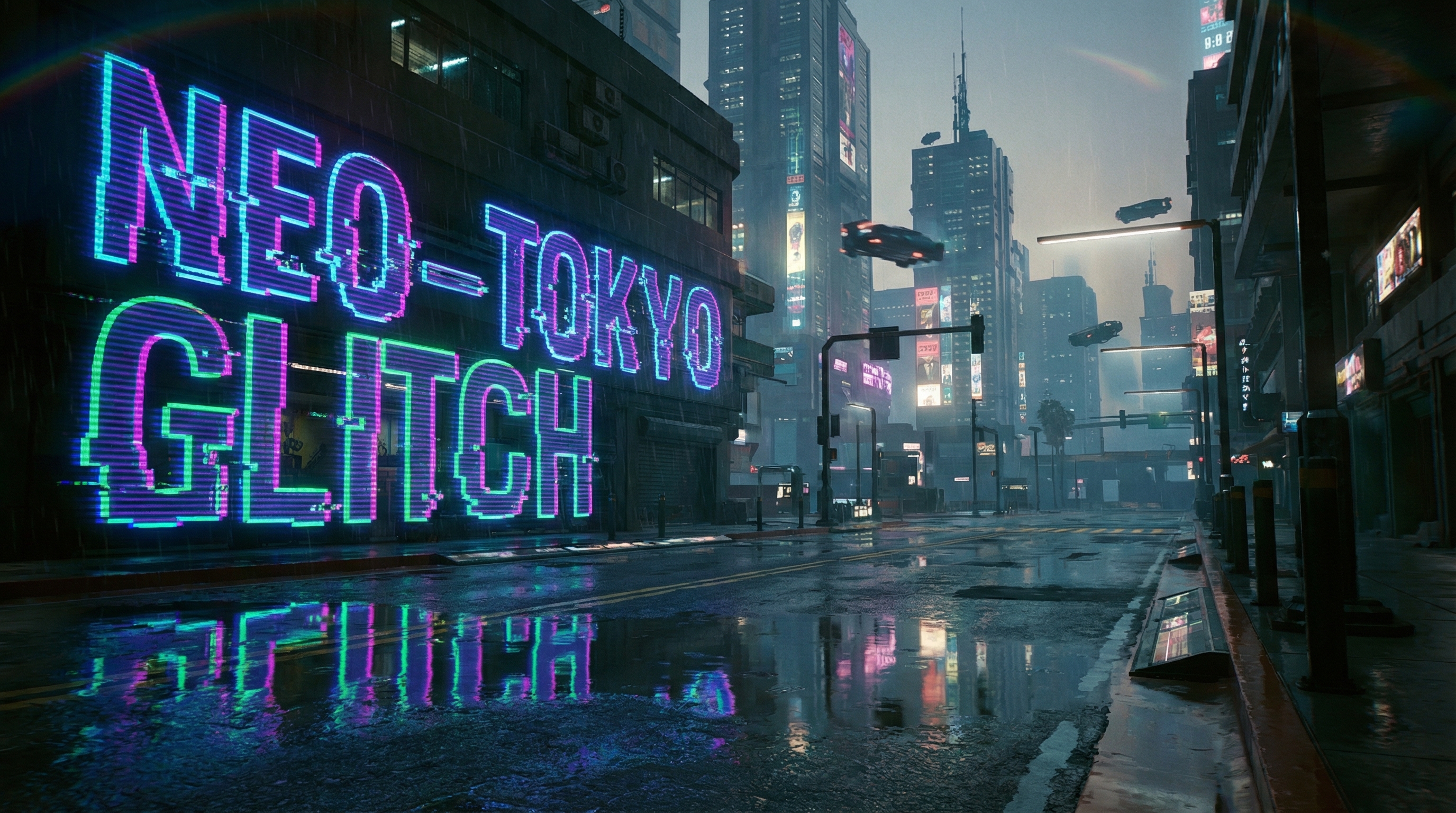
Prominent [EXTRA LARGE NEON GLITCH ART CHANNEL NAME] on the left. Background is rain-slicked cyberpunk streets with neon reflections. Epic immersive gaming visuals.
Hardcore Fitness
Striking [ENORMOUS STEEL-TEXTURED CHANNEL NAME] centered in a rugged frame. Background is charcoal industrial gym with molten orange neon and heavy chains. Epic power aesthetic.
Future Education
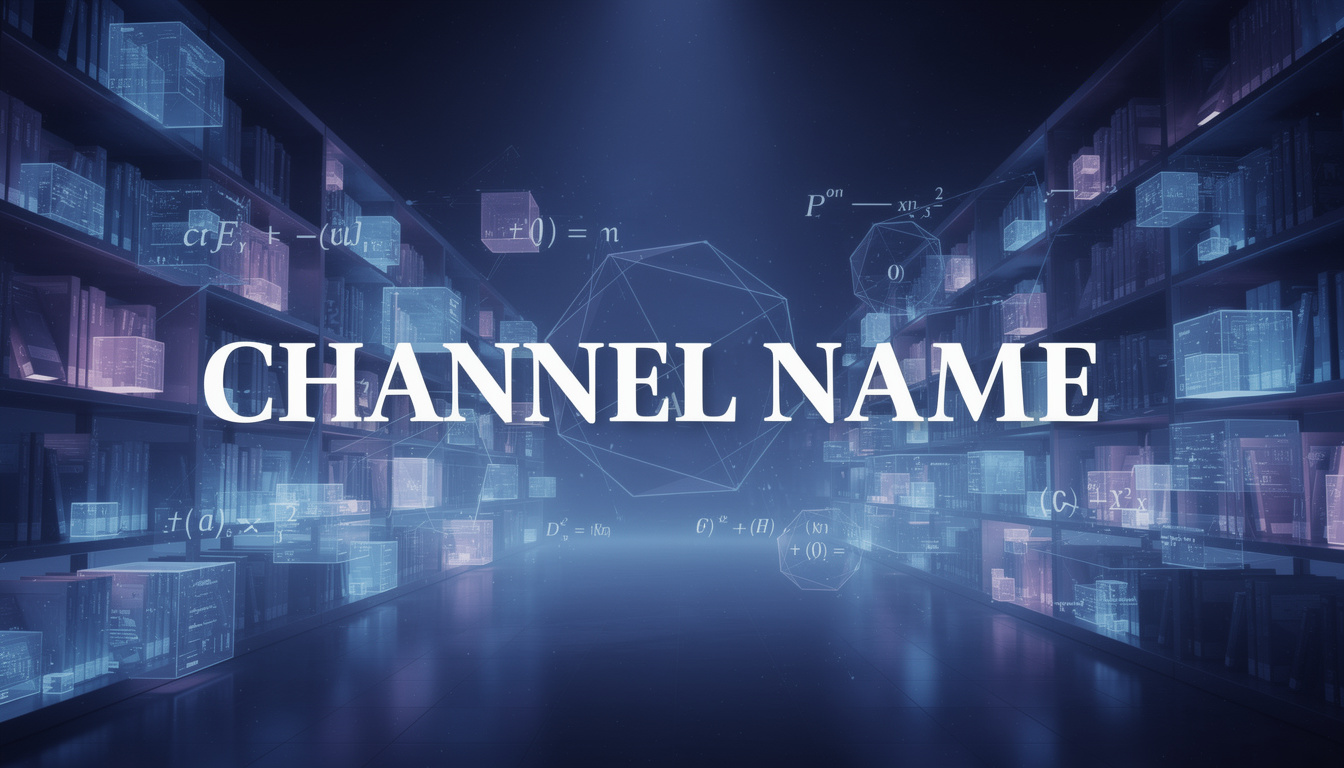
Primary [EXTRA LARGE ELEGANT WHITE FONT CHANNEL NAME] in the center. Background is deep indigo space-blue digital library with shimmering geometric formulas. Impactful wisdom space.
Luxury Travel
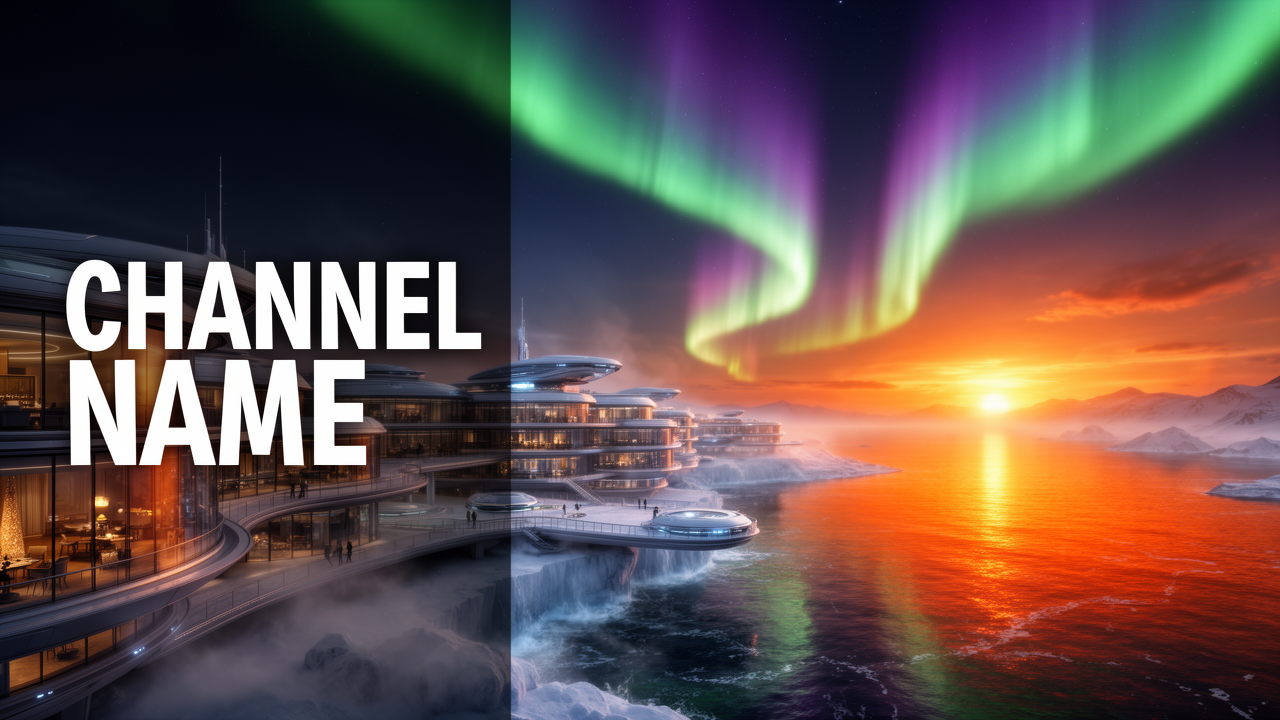
Prominent [EXTRA LARGE MINIMALIST WHITE CHANNEL NAME] on the far left. Background is futuristic polar resort at sunset, fiery orange sea reflections and aurora. Top cinematic quality.
Core Features
We focus on real upload results, ensuring your banners are production-ready with no extra adjustments needed.
Flexible Composition Control
Adjust the composition's center freely through prompts. Whether you want the subject centered or offset, the AI generates a balanced background perfectly matched to YouTube proportions—use it directly without cropping.
- Freely adjust focal points
- Perfect 16:9 widescreen match
- No manual cropping required
Styles for Mainstream Niches
We've optimized prompts for over 20 trending YouTube niches, including Gaming, Tech Reviews, and Lifestyle Vlogs. Simply enter a style keyword, and the AI generates a background that fits your target audience.
- Covers major Gaming/Business/Education trends
- Supports multiple visual tones (Minimalist to Vibrant)
- Quickly matches your channel's branding
Rapid Visual Concept Testing
Skip the complex design software and generate a full concept draft in minutes. Experiment with different prompt combinations to see how various compositions and color schemes impact your channel's look.
- Generate preview drafts in minutes
- Easy prompt tweaking and re-generation
- Compare multiple directions before uploading
No-Adjustment HD Final Export
Images are generated at the 2560x1440 standard resolution, so there's no need to manually resize. The output is clear with strong color reproduction—download and upload directly to YouTube.
- Direct standard resolution output
- Clear and detailed imagery
- True 'download-and-use' experience
YouTube Banner Creative Scenarios
Lanta AI fits into any creator's workflow, whether you're building a tech brand or a travel vlog.
Gaming & Esports
Accelerate your streaming brand setup with high-energy glitch art. Perfect for team banners or individual pro-gamers who need a distinct look.
Culture & Storytelling
Transport your audience into your narrative world. Perfect for folklore, history, and storytellers who want an immersive window into another era.
AI & Future Tech
Build professional credibility for your cutting-edge tech channel. Create futuristic, data-driven visuals that look advanced and well-thought-out.
Fitness & Coaching
Project strength and motivation. Ideal for personal trainers and gym channels looking for gritty imagery that emphasizes energy and power.
Academic & Education
Establish authority and trust immediately. Designed for educators to create structured, clean, and inspiring visuals that highlight their mission.
Travel & Lifestyle
Capture your unique vibe with scenic aesthetics. Helps creators maintain a consistent, premium 'cinematic' feel across their channel header.
YouTube Banner Size & Safe Area Guide
Use official YouTube dimensions to avoid cropping and keep your key content visible on every device.
Multi-Device Display Guide
The 1235x338 safe area is the most reliable zone across mobile and desktop displays.
Use prompt phrases like 'centered composition' and 'clean text zone' to improve readability in the safe area.
Official references from YouTube Help:
FAQ Answers
Short, practical answers to help you use AI YouTube Banner Maker effectively.
Related AI Tools
Explore related tools for channel visuals, style exploration, and image editing workflows.